
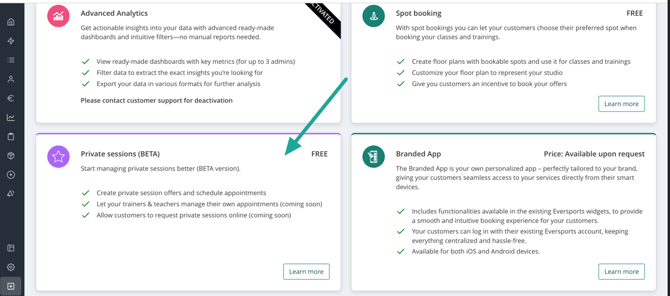
Schedule and manage private sessions more flexibly, without fixed class slots.
⚠️ BETA: This feature is still evolving. You can already use it in your daily operations, but some functions may still change as we continue improving the experience.
💡 What’s included
-
Schedule 1:1 or small group sessions directly in the Manager
-
Assign specific trainers and rooms for each session
-
Automatic resource conflict checks to avoid double bookings
-
Flexible scheduling without predefined class slots
-
Optional self-management for trainers to create and manage their own sessions
📌 See it in action
⚒️ Get started
Activate the Private Sessions (BETA) extension in the Market.
Then create your first Private Session Offer under Activities → Private session offers and define the session duration, participants, and allowed products.
Once created, you can schedule appointments in the Private Sessions calendar and sign in customers as usual.
🎯 Pro Tip
Creating recurring private sessions for the same customer? Sign them in to the first appointment and then turn it into a recurring series - they’ll automatically stay signed in.
➡️ Full guide
👉 You can find all details in our➡️ Help Center Guide
Additional articles to help you understand and use this tool effectively:
➡️ Understanding Private Session Availability
➡️ How to Manage Booking Requests
➡️ Make Your Private Session Offers Available for Online Booking